Preparing a Technical Session Presentation
Slides
The PowerPoint presentation template can be found in the author kit. Please create the following slides as a part of your presentation:
Slide 1 | Introductory slide
- Include your paper number and title.
- Include your author and company name and/or logo information.
Note: Your company name/logo may only appear on this and/or the closing slide
Slide 2 | Information slide
- Main content of your presentation in a One-Column or Two-Column Format.
- Enter Paper #, Paper Title, and Presenter Name at the bottom of the slide.
- Copy and insert this slide as many times as needed for your content.
Slide 3 | Acknowledgement, thank you, questions in a One-Column Format
Slide 4 | Acknowledgement, thank you, questions slide in a Two-Column Format
- This slide should be displayed during your Q&A time.
Bad Slide Example

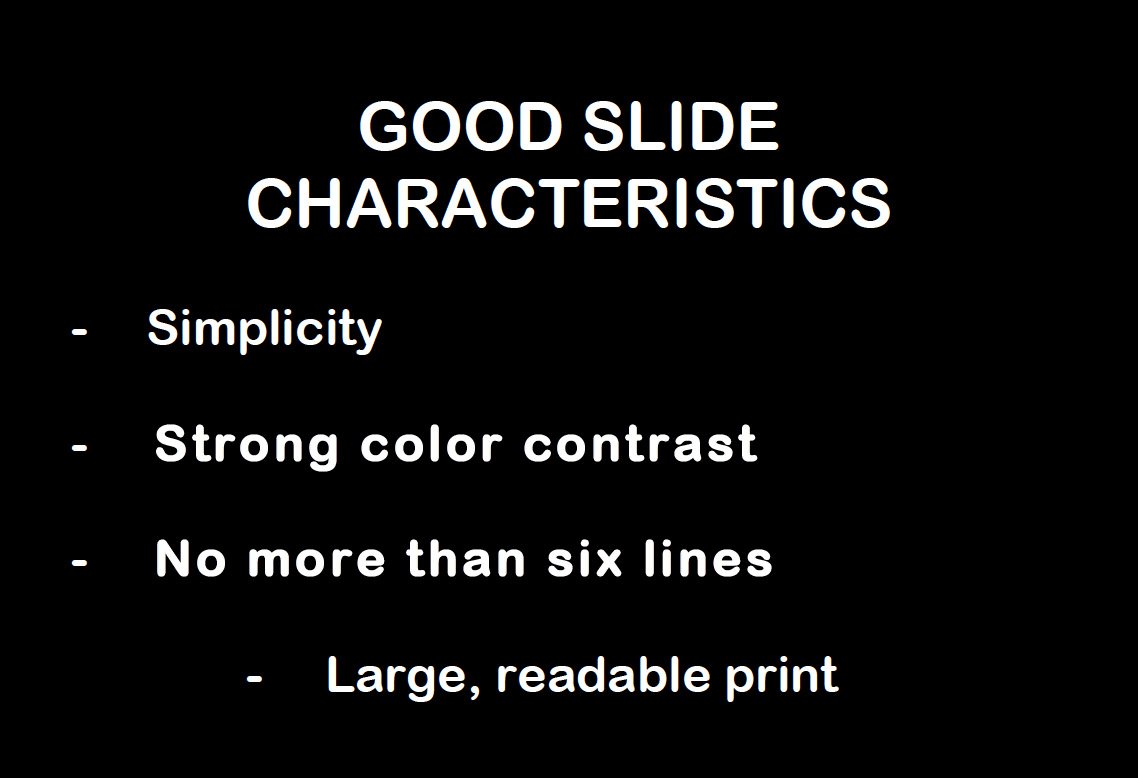
Good Slide Example
Fonts
- To test the font, stand back six feet from the monitor and see if you can read the slide.
- Select sans-serif fonts such as Arial or Helvetica. Avoid serif fonts such as Times New Roman or Palatino as they are sometimes more difficult to read.
- Use font size 24 or larger:
- Titles 40-48 pt
- Subtitles 28-36 pt
- Body Type 24-36 pt
- Clearly label each screen and use a different color for the slide title.
- Use a single font for most of the presentation. Use different colors, sizes, and styles (bold, underlined) for impact.
- Avoid italicized fonts as they are difficult to read quickly.
- Rule of 666:
- No more than 6 bullet points per slide
- No more than 6 words per bullet point
- Every 6th slide should have a graphic
- Use dark text on light background or light text on dark background.
- Do not use all caps except for titles.
Color
- Limit the number of colors on a single screen.
- Bright colors make small objects and thin lines stand out. However, some vibrant colors are difficult to read when projected.
- Use no more than four colors on one chart.
- Ensure strong color contrast between the background and text to make the presentation easy to read.
- Check all colors on a projection screen before the actual presentation. They may project differently than what appears on the monitor.
Graphics and Design
- Keep the background consistent and subtle.
- Use only enough text when using charts or graphs to clearly explain and label the graphic.
- Keep the design clean and uncluttered. Leave empty space around the text and graphics.
- Use quality visuals that relate to and enhance the topic of the slide:
- Bar charts compare data
- Line graphs visualize trends
- Box charts illustrate makeup of an organization
- Pie charts emphasize the relationship of parts of the whole
- Photographs and animation clips best depict realism
- Try to use the same style graphics throughout the presentation (e.g. cartoon, photographs).
- Limit the number of graphics or animations on each slide.
- Check all graphics on a projection screen before the actual presentation.
- Avoid flashy graphics and noisy animation effects unless they relate directly to the slide.
- Limit the number of transitions used. It is often better to use only one so the audience knows what to expect.
General Presentation
- Orientation should be landscape.
- Keep in mind the time limit for your presentation. A good rule of thumb is 1-2 slides per minute.
- Use action words to reinforce ideas rather than complete sentences.
- Check the spelling and grammar.
- It is often more effective to have bulleted points appear one at a time so the audience listens to the presenter rather than reading the screen.
- No commercialism. Company/Organization-branded templates should not be used.
Speaking Tips
- Do not read the presentation. Practice the presentation so you can speak from bullet points. The text should be a cue for the presenter rather than a message for the viewer.
- Give a brief overview at the start, present the information and wrap up by reviewing important points.
- Use a wireless mouse/remote or pick up the wired mouse so you can move around as you speak.
- If sound effects are used, wait until the sound has finished before speaking.
- Do not turn your back to the audience.
- Do not include judgmental remarks or opinions about the technical competence, personal character, or motivations of any individual, company, or group. Any material that does not meet these standards will be returned with a request for revision before the conference.